What's New
Apprenticeship Management
Accessibility
Accessibility Statement for Assessment & Learning (bksb) - UK
Accessibility Statement for Assessment & Learning (bksb) - Australia
Accessibility Statement for Apprenticeship Management Suite
Assessment & Learning
ePortfolio
Administrator Settings
To Do Lists
Delivery Staff - Signatures Missing
Delivery Staff - Evidence to Review
Delivery Staff - Off-The-Job to Review
Timelog
Logging Off-The-Job
Editing Off-The-Job
How is Off-The-Job Progress Calculated?
Reviewing Off-The-Job
Deleting Off-The-Job
Evidence
Reviewing Evidence
Deleting Evidence
Uploading Evidence
Uploading a New Version of Evidence
Editing Evidence
Progress Reviews
FAQs for Adopting the New Progress Review Workflow
Before a Review - Booking a New Review
Before a Review - Viewing Booked Reviews
Before a Review - Cancelling a Booked Review
Before a Review - Checking Progress Since the Last Review
During a Review - Capturing Review Notes
During a Review - Capturing Follow-Up Tasks
During a Review - Attachments
After a Review - Capturing the Overall Review Summary
After a Review - Locking the Review
After a Review - Capturing & Tracking Signatures
After a Review - Viewing & Booking the Next Review
After a Review - Admin Progress Review Report
Coming Soon... Progress Reviews
New customer information
Education Analytics
Education Analytics Guides
Data Platform Guides
Data Platform FAQs
Data Platform (Bring Your Own BI/Data Share) - User Licence Assignment Administration
Data Platform (Bring Your Own BI/Data Share) - Connection Options
Data Platform (Bring Your Own BI/Data Share) – How to Connect Microsoft Power BI to OneAdvanced Data Platform
Data Platform (Bring Your Own BI/Data Share) - Connecting Microsoft Excel to Snowflake Using ODBC
Data Platform (Bring Your Own BI/Data Share) - Snowflake ODBC Connector Configuration Guide
Onboarding
Onboarding videos - Learner
Onboarding videos - Assessors & Employers
Onboarding videos - Progress Reviews
ePortfolio Learner UX - Fact sheet
Customer Support
Integrations
- All Categories
- Education Analytics
- Education Analytics Guides
- Provider health
Provider health

Description
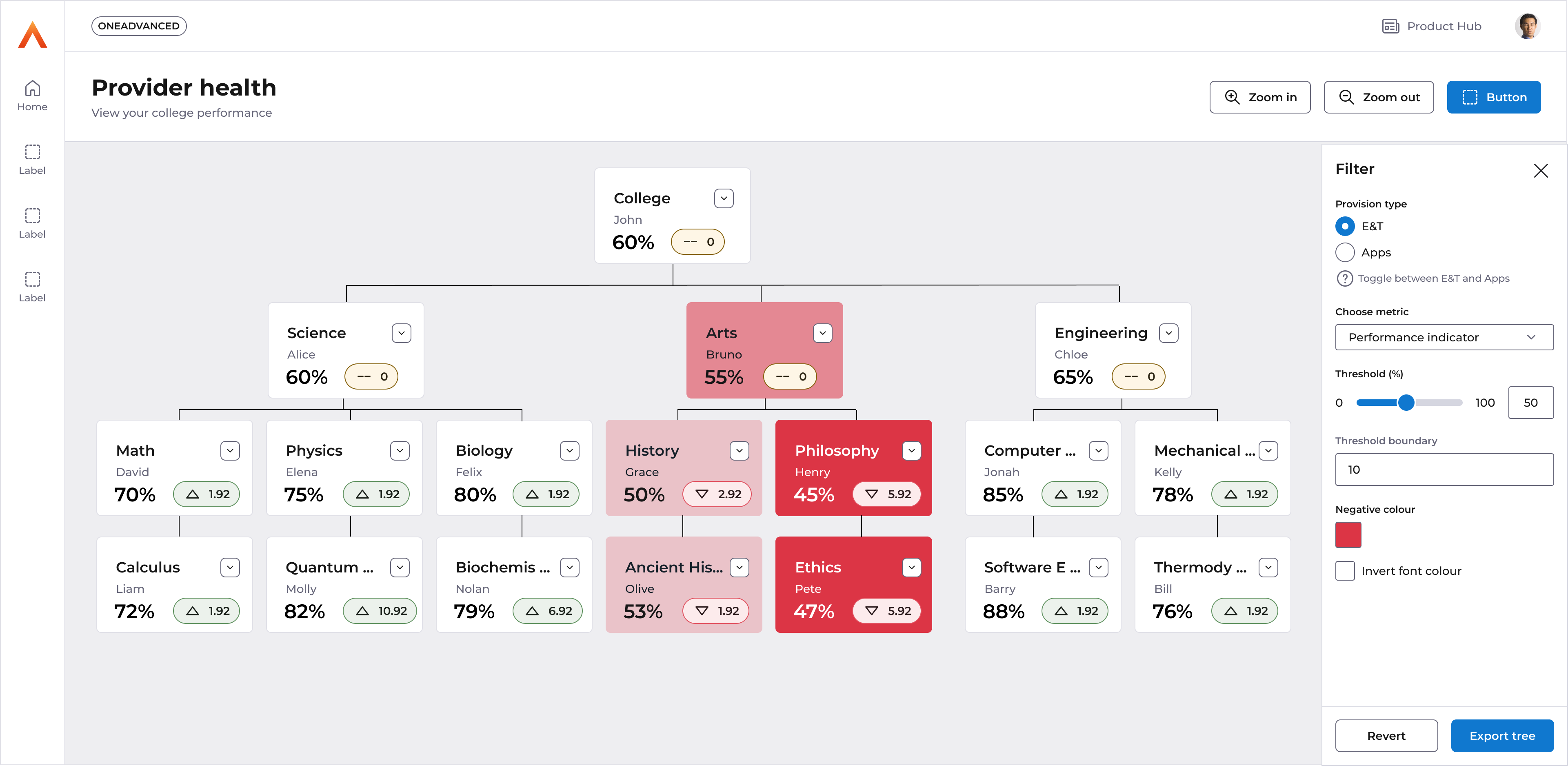
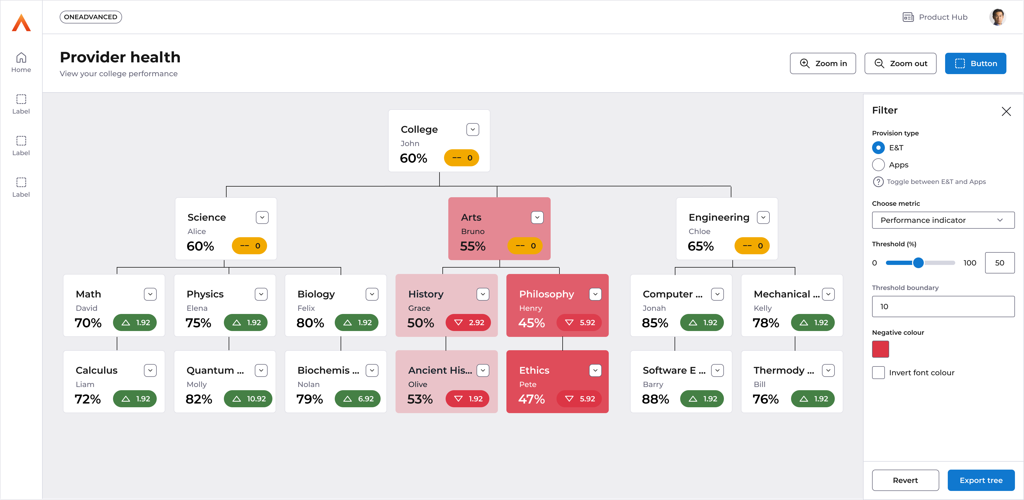
A single page report which would allow the visualization of a providers ‘tree’ structure to help reflect the actual hierarchy of the college itself.
Allowing senior members of a provider to view the provider in its branched structure, viewing performance metrics by that structure and allowing them to view where unhealthy branches are feeding up to lower performance.
Ultimately a way to view a provider in the way it actually exists, rather than in its ‘flat' grid format.
Features
- A tree component displaying the providers imported college structure
- Ability to add viewable performance metrics to nodes from either of the main reporting areas, ER and E&T.
- Restrict the view to see a specific department and view data by Achievement, Retention or pass rates
- Drilldown into a grid report to view the data making up a tree node
- ‘Range’ setting to provide health indicators on nodes based on a single metric
- Export as excel or JSON data